
Wi-Fi, network and infrastructure in Ra'anana
Good Wi-Fi in every room starts with a cable. We measure coverage in your home, wire access points with network cable, and bring everything together in one network cabinet.
What's included
- Wi-Fi measured in every room before planning
- Ceiling or wall access points (TP-Link Omada), wired with cable
- Cat6 cabling and RJ45 wall sockets, through existing conduits when possible
- PoE switch, router and a tidy cabinet, with labelled cables
- Separate networks: home, guests, and cameras and smart devices
- Smooth roaming between rooms, on equipment that supports it
Options
Network cabinet clean-up
A cabinet full of cables becomes tidy: every cable labelled, a map of the network drawn, and before-and-after photos.
4G/5G backup internet
When the main connection drops, the network switches to a mobile connection, on a router that supports it.
Wi-Fi for the garden and pool
An outdoor access point, water- and dust-resistant depending on the model.
Separate guest Wi-Fi for shops
A guest network with a welcome page, with no access to the till's network.
A complete office network
A firewall router, VPN for working from home, and professional Wi-Fi.
UPS backup power
Backup power for the router, cameras and recorder, to keep running through power cuts. Backup time depends on the model and the load.
IP phones for small businesses
Yealink handsets, a phone system and call forwarding to mobiles.
Data security at home
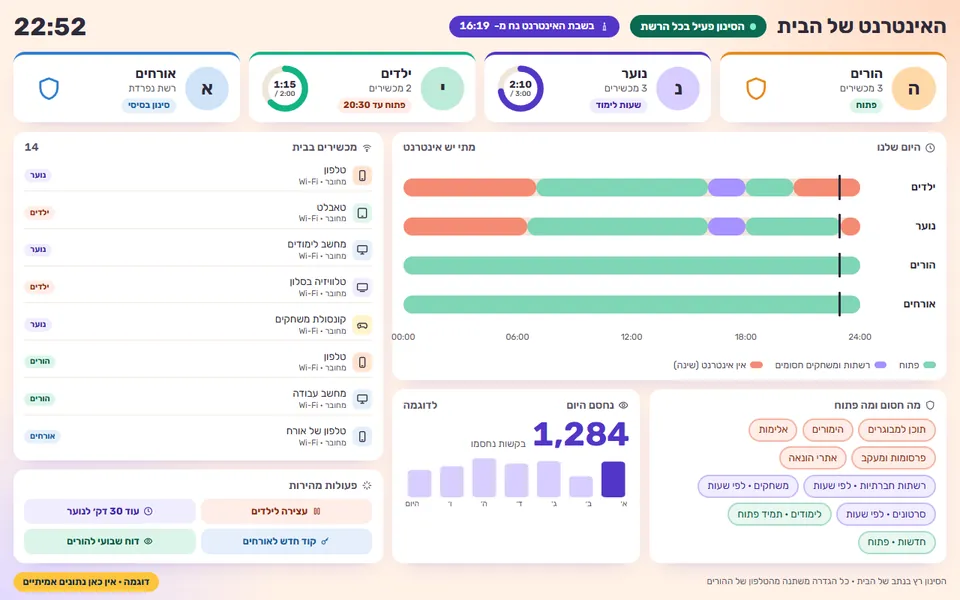
Filtered internet for the family
Filtering for the whole home network, adjustable by device and by time of day.
Family photo backup
A small server at home that backs up photos from your phones, plus a second copy elsewhere.
What we install

TP-Link Omada ceiling access point 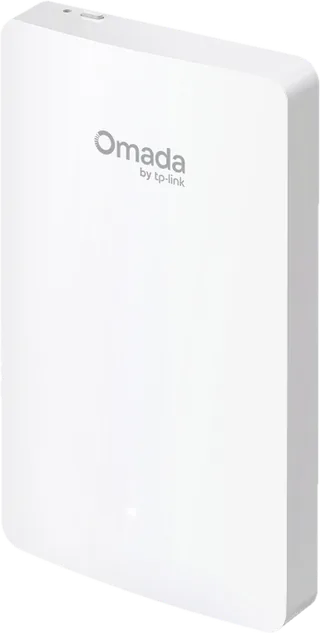
TP-Link Omada wall access point 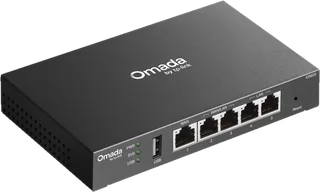
TP-Link Omada router 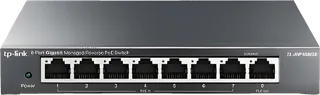
TP-Link PoE switch 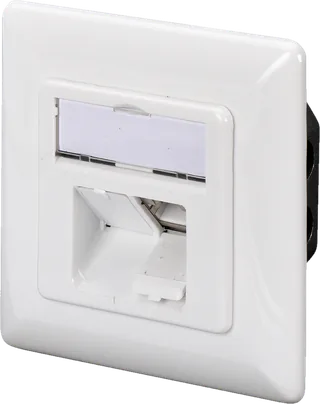
RJ45 wall socket 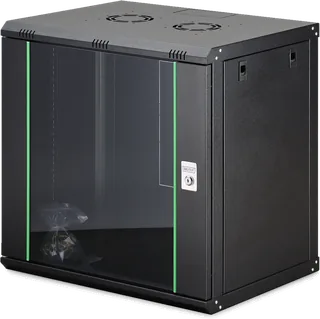
Wall-mounted network cabinet 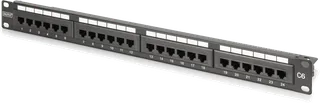
Patch panel
Network and Wi-Fi: TP-Link Omada, and other professional brands as needed.
Products shown are examples. The exact model is chosen for your home, and specifications vary between models.
How we set it up
The router gets a new password, updated firmware and no open ports. The guest network is kept apart from your computers.
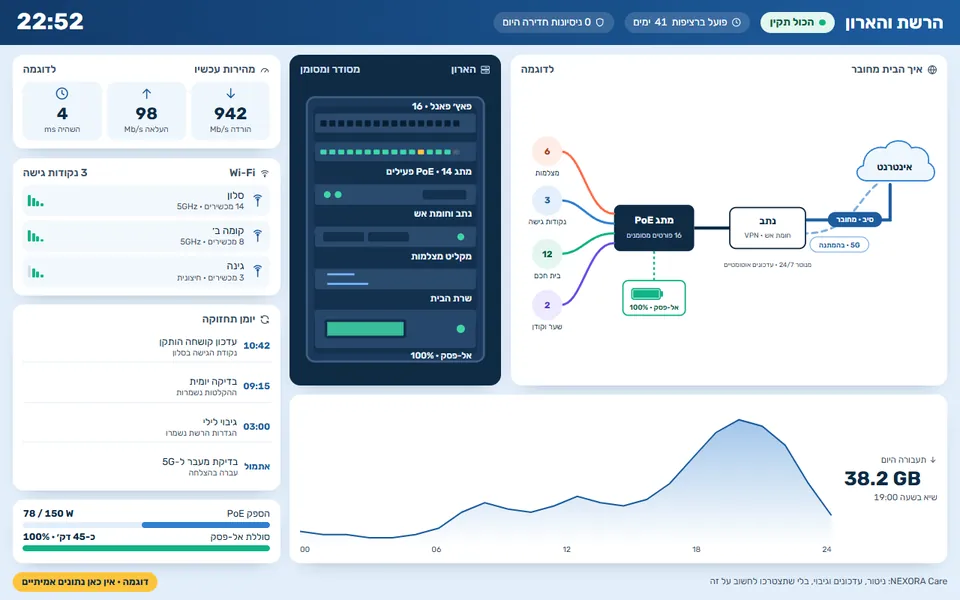
Example screens for this service
This is what the screens we set up look like: for the home, the synagogue and the shop. Examples only, with no real data. Screens are in Hebrew.
Questions about this service
Why isn't a range extender enough?
A wireless extender passes the signal along but usually loses speed. An access point wired with cable gets the full connection from the cabinet.
Do you need to break walls to run cables?
Not always. We first check the existing conduits. When there are none, we suggest a neat trunking or another route, and agree on it with you before the work.
Can I keep my internet provider's router?
Usually, yes. We check what it allows and decide together whether to add your own router.
Want us to come and take a look?
Send a message, tell us what you have today and what you'd like, and we will book a visit.