
Cameras, intercoms and Wi-Fi in Ra'anana, installed cleanly and secured from day one.
NEXORA comes to you, looks at your home, gives you a clear written quote and installs everything neatly: labelled cables, a separate network for the cameras, and a walk-through of the app.
Ra'anana · Kfar Saba · Herzliya · Hod HaSharon
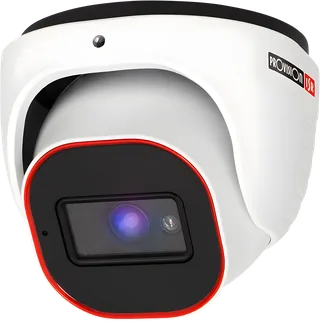
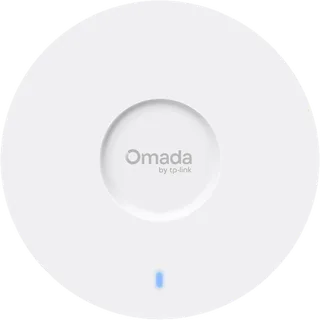
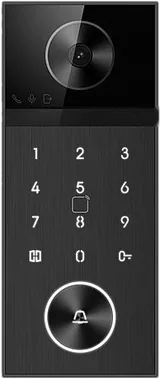
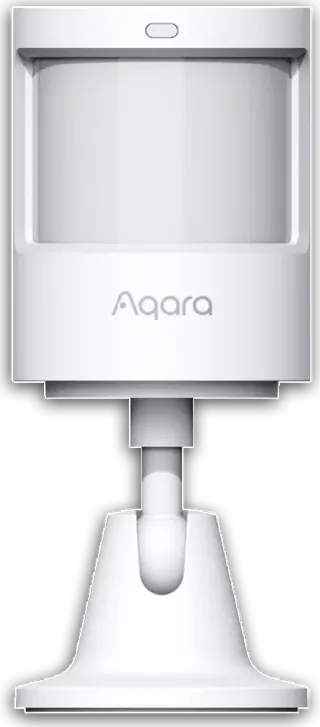
Recent work
Real photos of our installations. Clients stay anonymous, and photos show no faces, number plates or house numbers.
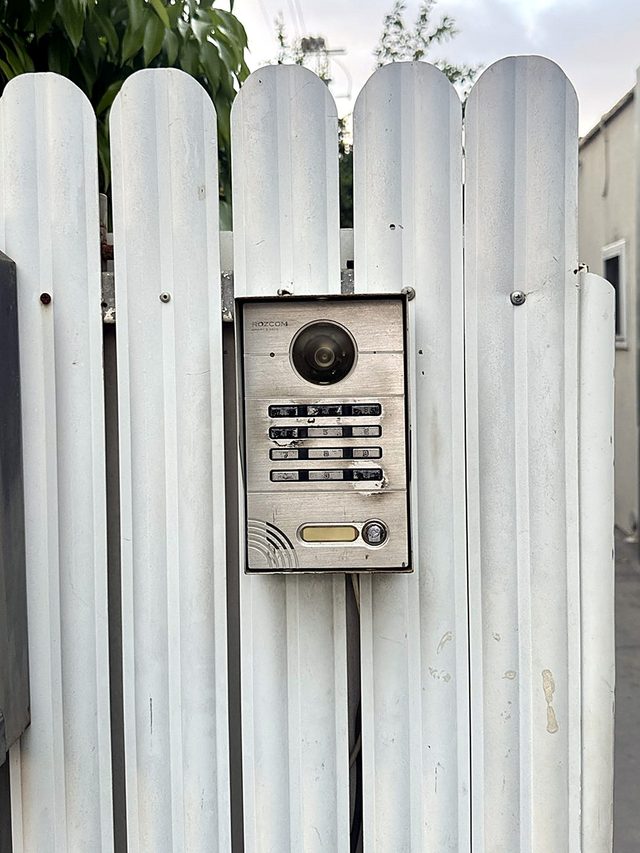
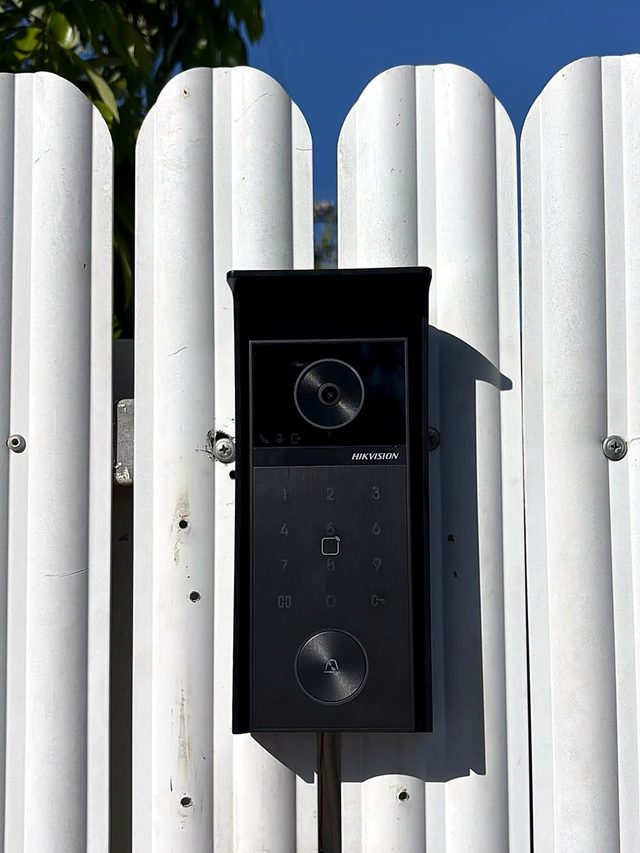
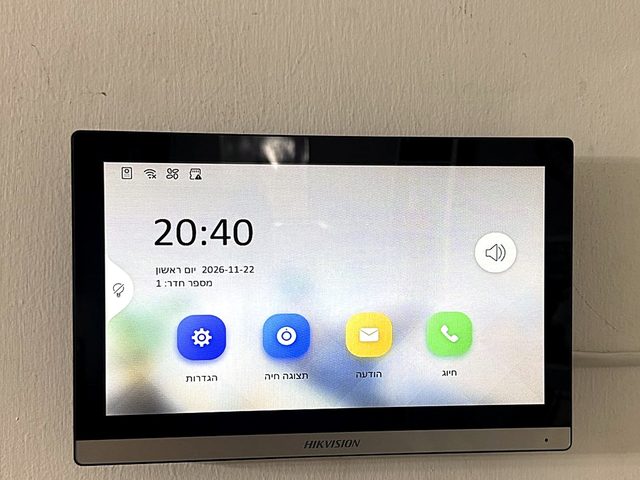
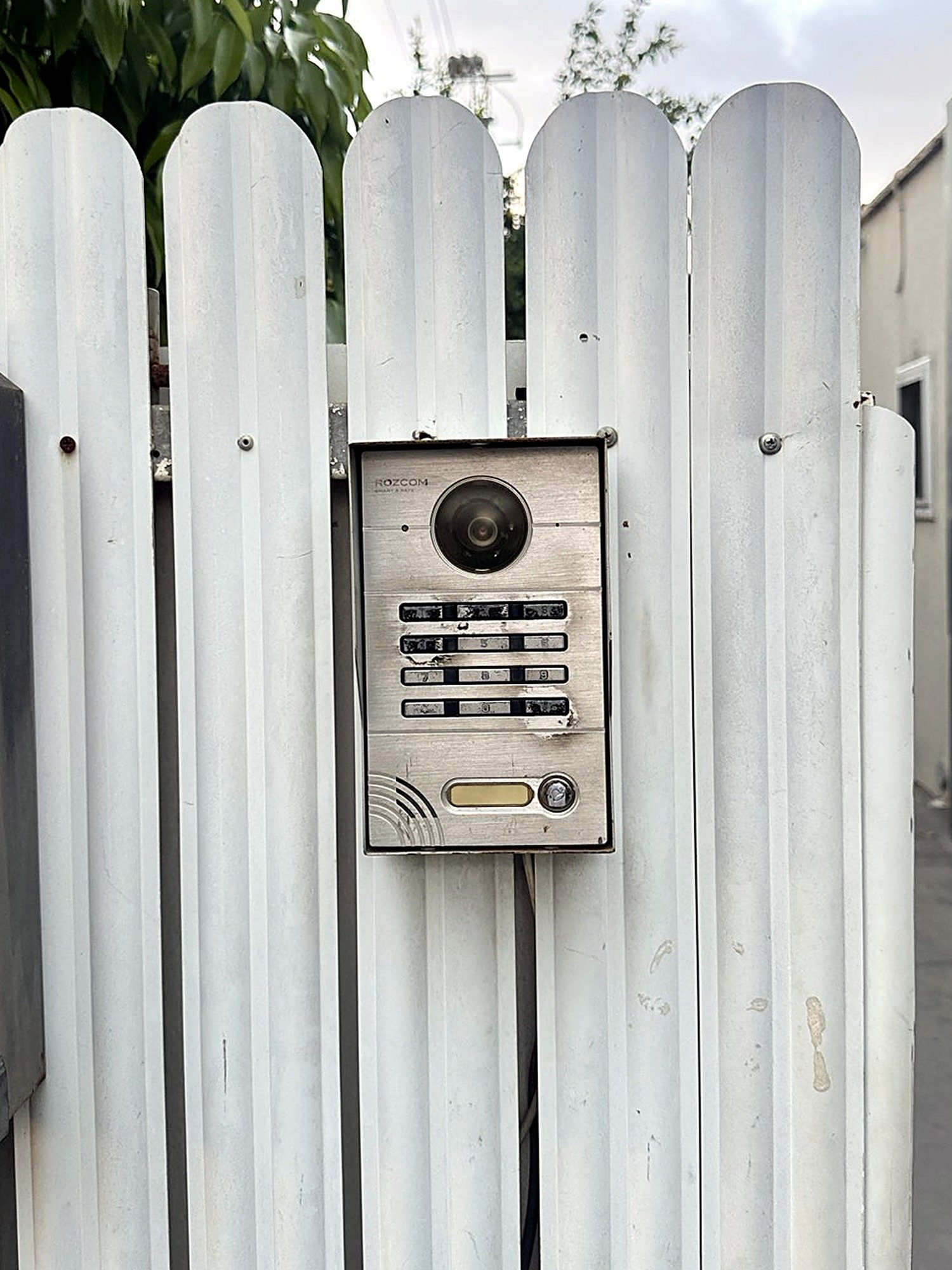
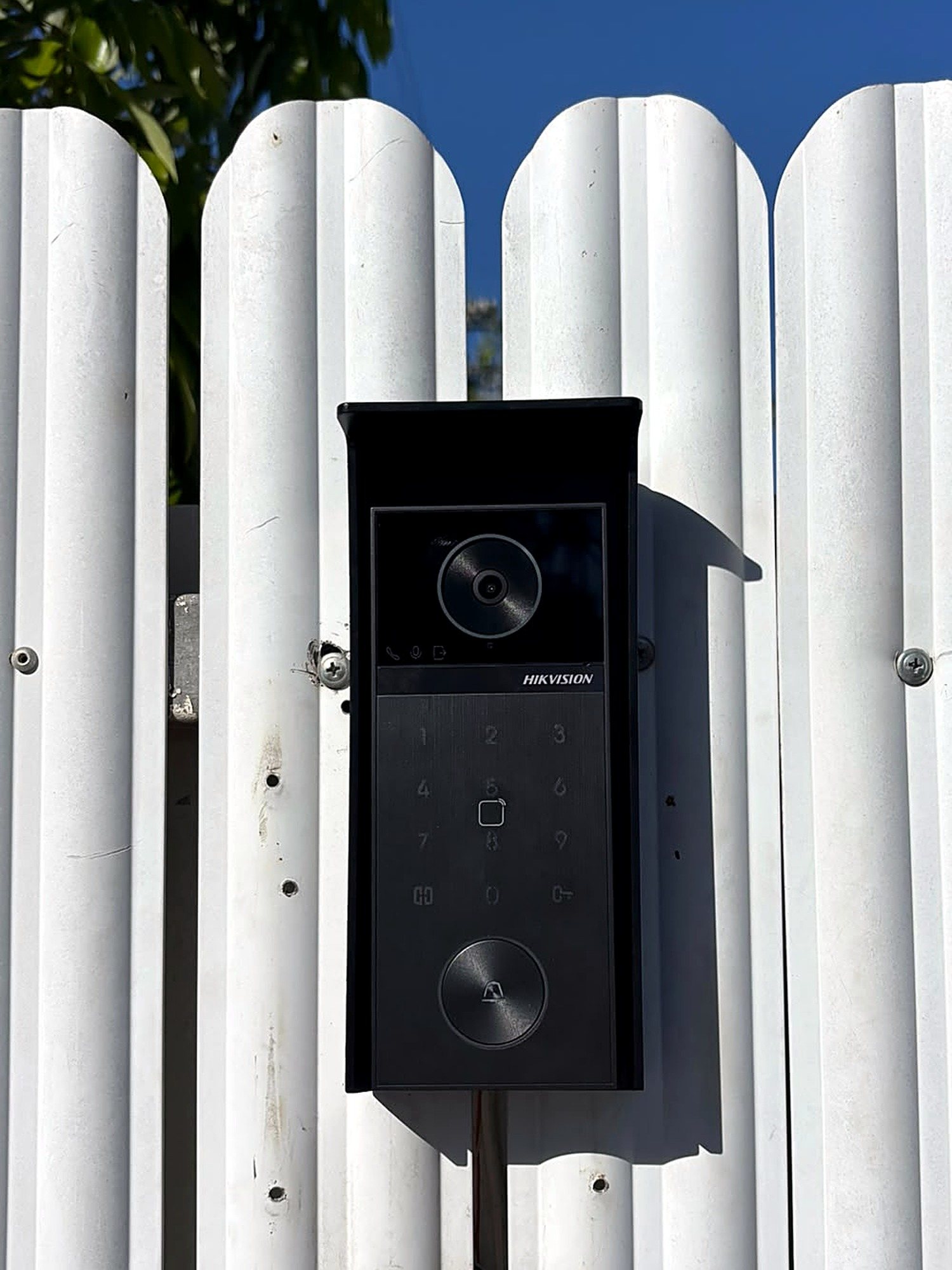
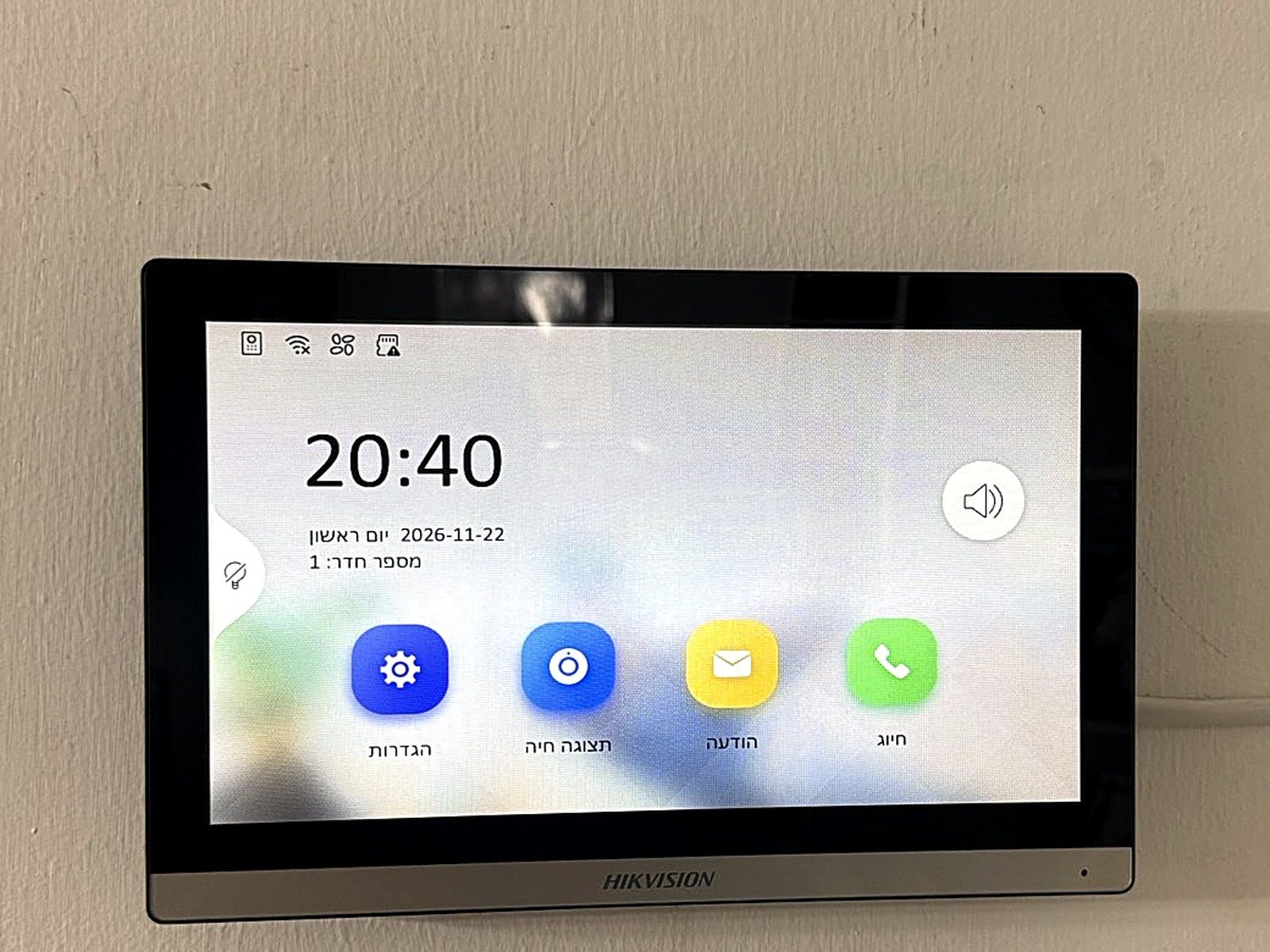
A Hikvision video intercom replaces an old intercom The old gate intercom was worn out and its buttons had faded. We installed a Hikvision outdoor station with a camera, a code keypad and a call button, and connected it to a touch screen inside the house. Now you can see and talk to whoever is at the gate, even at night.

Our sister company
Figmint: 3D-printed objects, made in Ra'anana
Keychains, signs, gifts with a name: customize it, see it in 3D and its price right away.
Opening at the end of DecemberWhat we install
Four trades, one installer, one tidy network cabinet.
Cameras & intercoms
IP cameras that record at your place, and a video intercom you answer from your phone.
- Up to 4K, depending on the model
- Night vision, and colour at night on models with a built-in white light
- Person and vehicle detection on compatible models, so far fewer false alerts
Gate, keypads & access
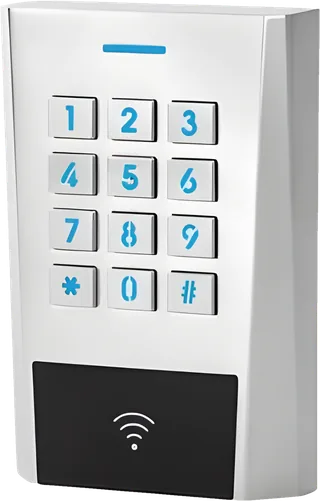
A code, a badge or a tap in the app. The gate opens only on your action.
- Keypads and NFC badge readers, for a home or a building
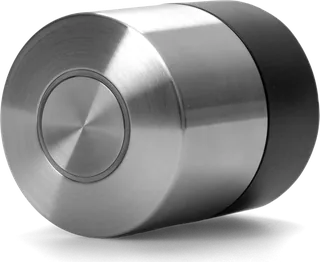
- Magnetic locks and electric strikes for a door or gate
- Gate opening from your phone, on your tap, with a compatible electric gate
Wi-Fi, network & infrastructure
Wi-Fi in every room, a tidy network cabinet, backup internet, and a safe network for family and business.
- Wi-Fi measured in every room before planning
- Ceiling or wall access points (TP-Link Omada), wired with cable
- Cat6 cabling and RJ45 wall sockets, through existing conduits when possible
Smart home
Lights, shutters, AC and sensors, with schedules and a Shabbat mode.
- Smart relays and shutter modules (Shelly), behind your existing switches
- Lights, shutters and AC (Sensibo) on schedules
- Shabbat mode: schedules set in advance, no touching
Example screens
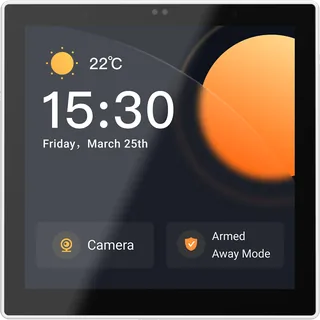
This is what the screens we set up look like: for the home, the synagogue and the shop. Examples only, with no real data. Screens are in Hebrew.
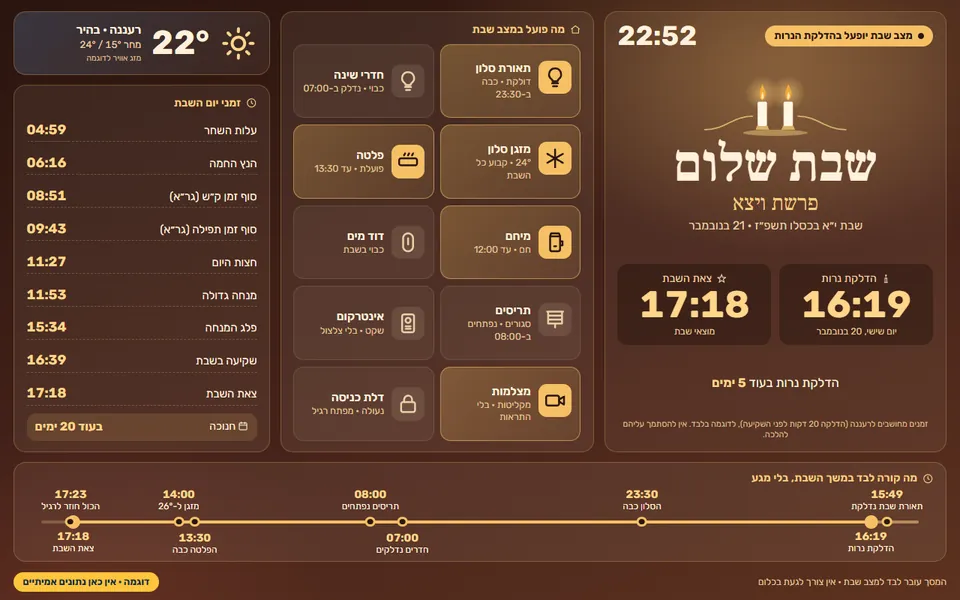 Example
- Shabbat screen for the homeHebrew date, weekly parasha, candle-lighting and Shabbat end for Ra'anana, daily zmanim and what runs in Shabbat mode.Open full screen
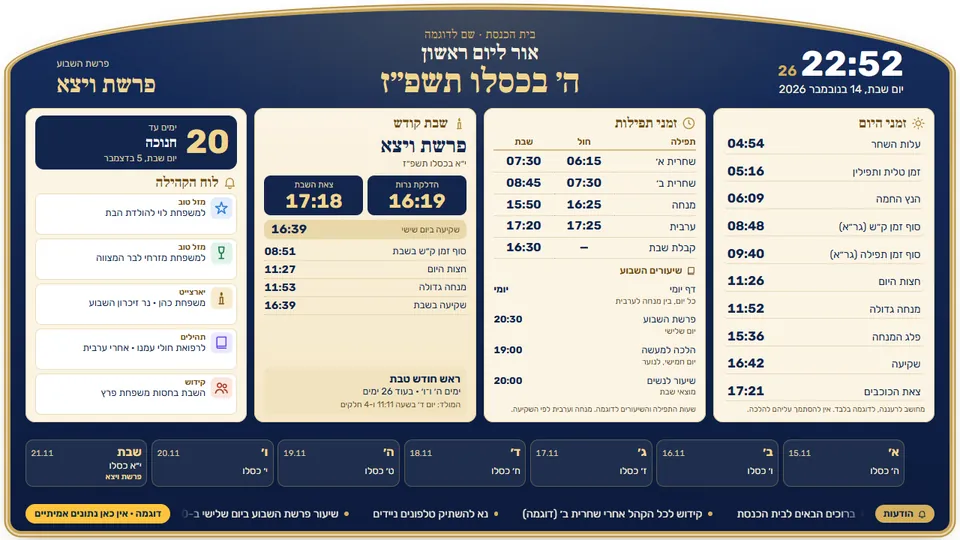 Synagogue times screenParasha and Hebrew date, daily zmanim and prayers, classes, the week ahead with holidays, and announcements.Open full screen
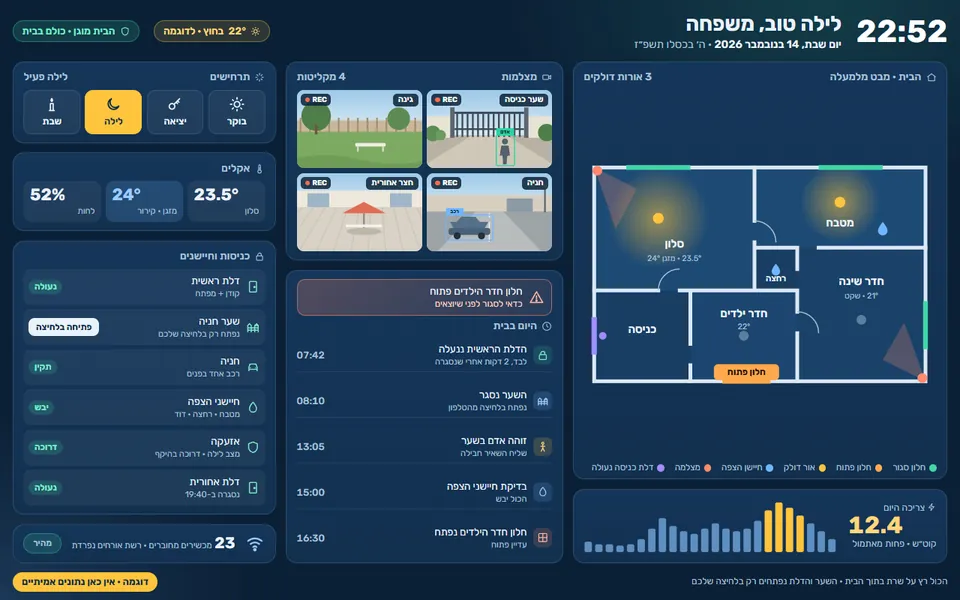 Home dashboardCameras, a floor plan with doors and windows, leaks, AC, lights, night and Shabbat modes on one screen.Open full screen
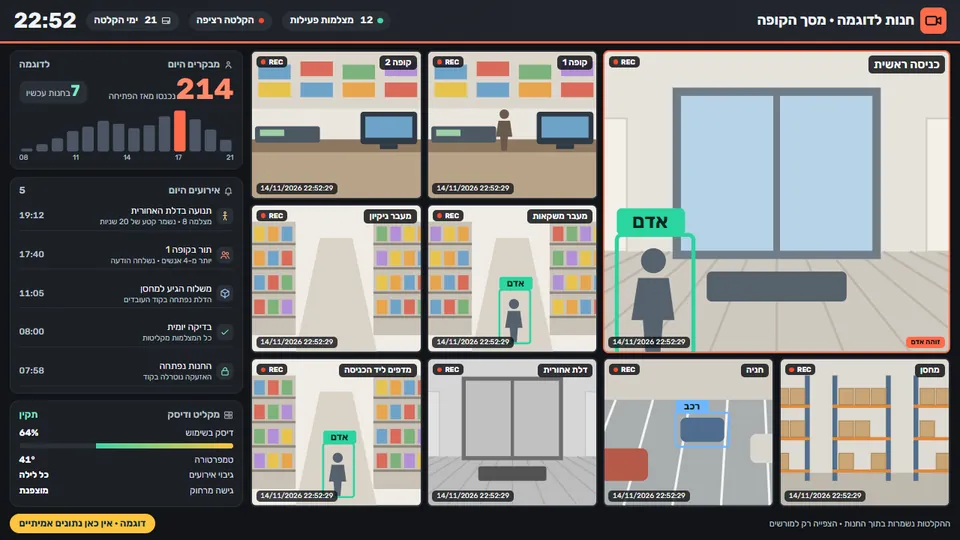 Camera screen at the tillA shop's nine cameras on one screen by the till, with a visitor count and the day's events.Open full screen
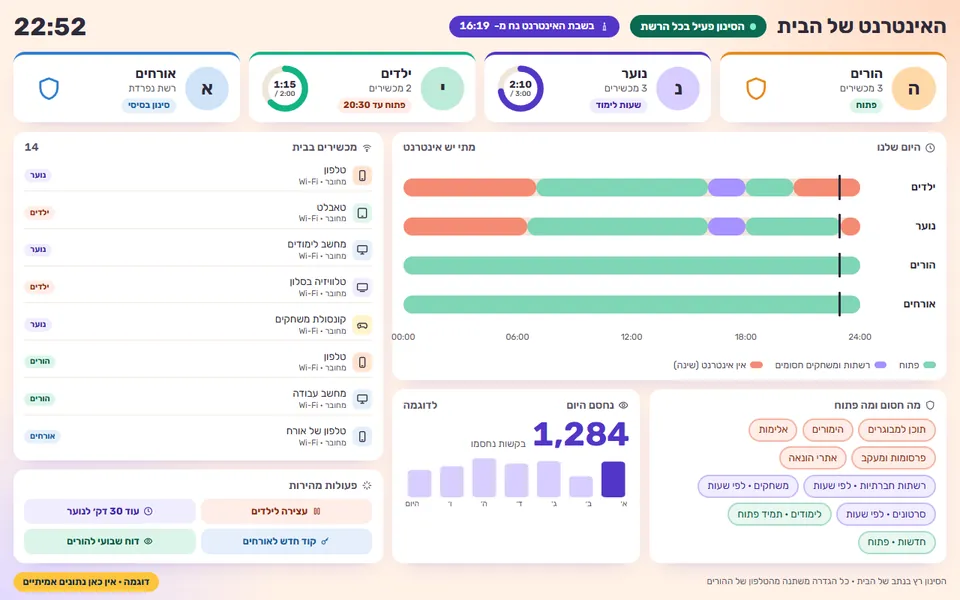 Family internet filterA profile per family member: devices, internet hours and blocked categories, for the whole home network.Open full screen
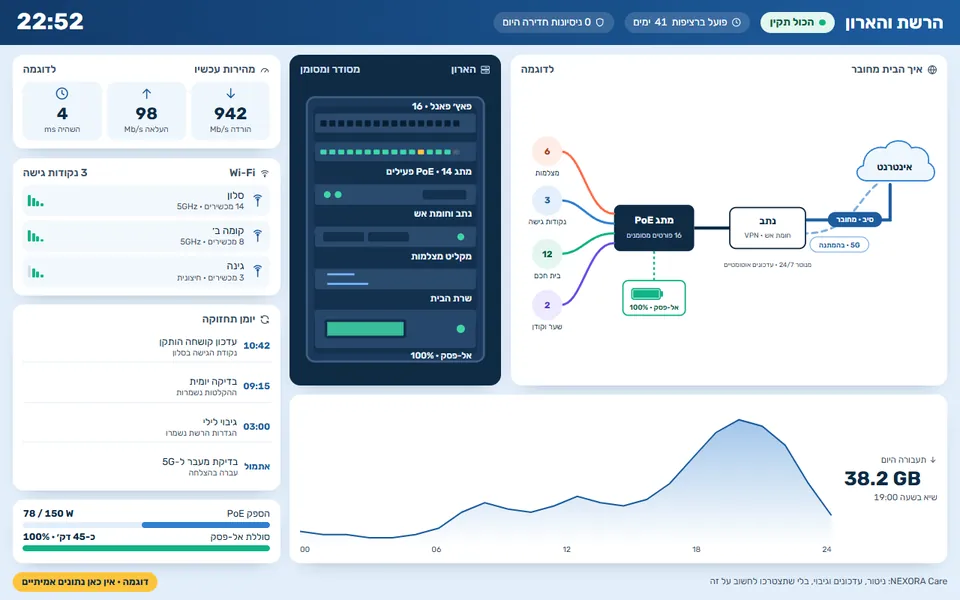 Network and cabinet statusSpeed, main and backup internet, the network cabinet, PoE switch, UPS, Wi-Fi points and devices.Open full screen
Videos & tips
Short tips from the field, in Hebrew. All our videos are also on Instagram.
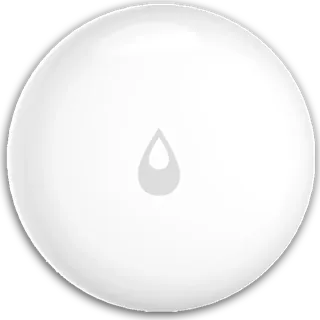
Smart home Window sensor
Video ·Gate, keypads & access A badge instead of a key
Video ·Wi-Fi, network & infrastructure 4G backup internet
Video ·
How we work
A visit at your place
We look at the entrance, the network and what is already installed, and listen to what matters to you.
A clear quote
Written and itemised, before any work. No surprises.
A clean installation
Tidy, labelled cables, every point tested, and a walk-through of the app.
Support afterwards
Updates, questions and fixes: someone to call, right here in Ra'anana.
After the installation, we stay
A good installation keeps working after we leave. That's why there is follow-up, maintenance and a tidy file for every home.
Care & maintenanceOn-site check
A visit at your place: we check what is there, what works and what is missing, and you get a written plan and a quote.
NEXORA Care
A follow-up plan: monitoring of your systems, remote help with your consent, software updates, and checks that recordings are really being saved.
Maintenance contract for businesses
Regular visits, a clear report after each one, and priority scheduling when something stops working.
Home file
At the end of the installation you receive a file: the network map, a short user guide, and the passwords in a sealed envelope.
0 ports opened to the internet on your router
Security starts with the settings
A camera or keypad on the internet is also a computer. So every installation leaves with these settings:
A separate network for cameras
Cameras and smart devices sit on their own network, apart from your computers and phones.
Updated firmware, new passwords
Every device is updated, and every default password is changed.
No open ports
Remote viewing goes through the maker's app, without opening your router to the internet.
Nothing opens by itself
Gates and doors open only on your action: a code, a badge or a tap in the app.
Why NEXORA
Local, in Ra'anana
Close by for the installation, and after.
עברית, English, Français
Talk to us in your language.
A clean, tidy installation
Tested, labelled cables, and we show you how everything works.
Your footage stays home
Local recording on a recorder in your home, no mandatory subscription.
Brands we install
- Provision-ISR
- Hikvision
- Reolink
- TP-Link Omada
- Nuki
- Shelly
- Aqara
- Home Assistant
Brands belong to their owners. NEXORA is an independent installer with no official tie to these brands.
Questions
Which areas do you cover?
Ra'anana, Kfar Saba, Herzliya, Hod HaSharon and nearby.
How much does it cost?
Every home is different. After the visit you get a written, itemised quote, before any work.
Do I need a monthly subscription for cameras?
No. Recording stays at your place on the recorder, and remote viewing goes through the maker's app. Cloud storage is an option, not a requirement.
Can the gate open by itself?
No. We never set up automatic opening. The gate or door opens only on your action: a code, a badge or a tap in the app.
Can you use my existing conduits or cables?
Often, yes. We check where the conduits go and pull Cat6 cable through them when they allow it.
Do you work with businesses?
Yes: shops, offices and small clinics, as well as private homes.
Let's talk
Tell us briefly what you need, and we will get back to you on WhatsApp.
Message us on WhatsApp